Turn your phone’s camera into a wireless webcam
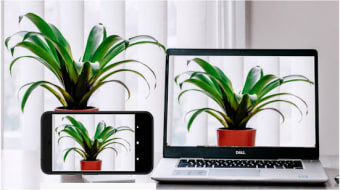
Iriun 4K Webcam for PC and Mac is a free mobile utility and tool app that lets you utilize your smartphone’s camera as a wireless webcam for your desktop computer. It can provide a resolution of up to 4K, although the maximum resolution still depends on the capability of your phone.
Top Recommended Alternative
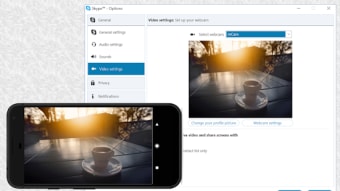
To use Iriun 4K Webcam for PC and Mac, install all the necessary webcam drivers from the developer’s website. It works with various video applications like Skype and Zoom. Featuring a straightforward user interface, the app offers an easy setup, making it accessible even for non-tech-savvy users.
Seamless integration with desktop applications
To get started, users should launch the Iriun 4K Webcam for PC and Mac app on their smartphone and ensure that the corresponding webcam server is running smoothly on their desktop. Your smartphone and PC are both automatically connected through the use of your local WiFi network. Additionally, the app offers a USB connection option—simply connect your device with a cable and enable USB debugging in your system settings.
One of the standout features of the app is its versatility. It supports operation with the screen off, helping to conserve battery and provide an unobstructed view. Its pinch-zoom functionality enables precise control over the camera view, while the mirroring option ensures a correct display orientation for video calls. Best of all, the app runs completely free of ads, offering a smooth, uninterrupted user experience.
Despite its many appealing features, some users have experienced unstable connections, especially over WiFi, which can disrupt smooth performance during video calls. Additionally, while the Pro version offers advanced camera controls—such as manual adjustments for ISO, exposure, and white balance—these exclusive features might not be enough to justify an upgrade for everyone, as the overall advanced functionality remains somewhat limited.
Limited pro settings
In conclusion, Iriun 4K Webcam for PC and Mac is a handy webcam app that not only delivers exceptional convenience but also offers top-notch camera quality. While it has some minor drawbacks, its basic functions and features still perform excellently. Whether you’re using it for video conferencing, streaming, or everyday calls, the app remains a reliable and affordable alternative to traditional webcams.